- TeX 60.5%
- Nix 34.9%
- BibTeX Style 3.5%
- HCL 1%
- SCSS 0.1%
|
|
||
|---|---|---|
| .forgejo/workflows | ||
| .git-crypt | ||
| homes | ||
| infra | ||
| inputs | ||
| lib/module | ||
| modules | ||
| overlays | ||
| packages | ||
| secrets | ||
| shells | ||
| systems | ||
| templates | ||
| .gitattributes | ||
| .gitignore | ||
| .gitmodules | ||
| .sops.yaml | ||
| demo.png | ||
| deploy.nix | ||
| flake.lock | ||
| flake.nix | ||
| LICENSE | ||
| README.md | ||


ゆめあみ (yumeami)
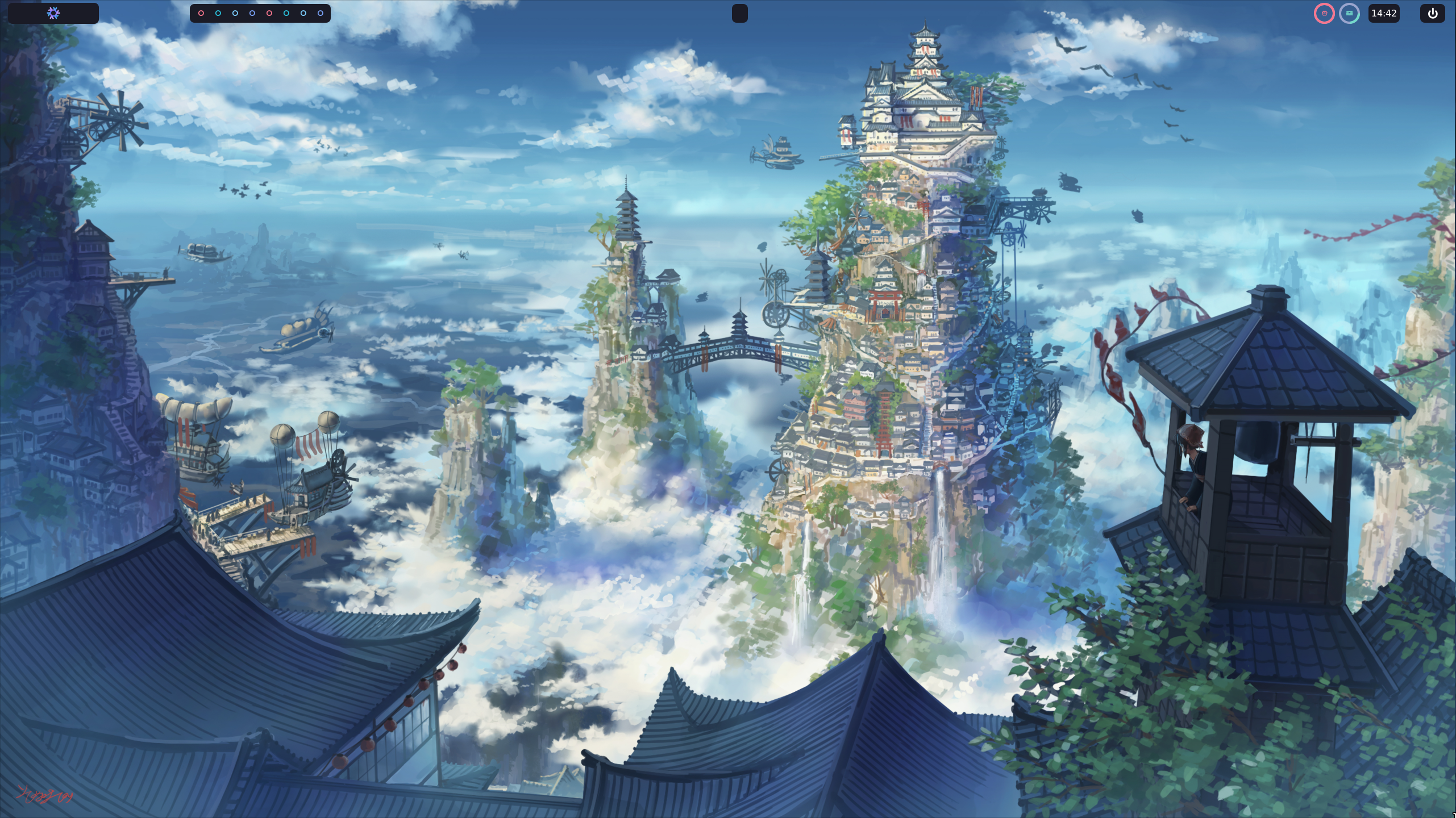
Meticulously crafted collection of NixOS configurations tailored for my systems. This repository encapsulates a unified setup across different machines, ensuring a consistent and efficient environment no matter where I'm working. The configurations are designed with modularity and clarity in mind, making it easy to adapt and scale. Whether it's setting up a new machine or refining an existing setup, ゆめあみ brings what I believe to be the best practices in NixOS configuration management, unified under a single, cohesive structure.
| System | Architecture | Description |
|---|---|---|
| 🧠 arisu | x86_64-linux |
primary development tower, custom built |
| 🌙 tsuki | x86_64-linux |
4U ATX rack server, networking and core services |
| 💖 kokoro | x86_64-linux |
thinkBook 15 laptop, mobile development |
| 🌸 shiori | x86_64-linux |
always-on mini pc, torrents and DNS services |
| 🐣 chibi | aarch64-linux |
raspberry Pi 4B for hosting and local dev |
| ✨ hikari | x86_64-linux |
custom installer iso, new systems and VMs |
Repository Structure
.
├── flake.nix              # Main flake configuration
├── homes/                 # Home-manager configurations
│   ├── aarch64-linux/     # ARM architecture systems
│   └── x86_64-linux/      # x86 architecture systems
├── lib/                   # Shared library functions
├── modules/               # Modular configurations
│   ├── home/              # Home-manager modules
│   └── nixos/             # NixOS system modules
├── secrets/               # Encrypted secrets (git-crypt)
├── shells/                # Development shell environments
└── systems/               # NixOS system configurations
Prerequisites
- NixOS installation media
- ZFS support (for impermanence)
- A storage device to install to
- Basic understanding of NixOS and the Nix language
Installation
To set up your system using ゆめあみ configurations:
# Clone the repository
git clone https://github.com/c4patino/nixos-configuration.git ~/dotfiles
cd ~/dotfiles

# Partition and format drives using disko
# Replace <device> with your disk device (e.g., sda, nvme0n1)
sudo nix --experimental-features "flakes nix-command pipe-operators" run github:nix-community/disko -- \
    --mode disko ~/dotfiles/systems/disko.nix \
    --arg main '"/dev/<device>"'
sudo zfs snapshot zroot/root@blank

# Copy configuration to the persistent storage
sudo cp ~/dotfiles /mnt/persist

# Install NixOS with the configuration for your system
# Replace <system-name> with one of: arisu, kokoro, shiori, chibi, tsuki
sudo nixos-install --root /mnt --flake ~/dotfiles#<system-name> --option extra-experimental-features "flakes nix-command pipe-operators"
Customization
To customize a configuration for your own use:
- Create a new host configuration in
systems/<arch>/<hostname>/default.nix - Configure your hardware settings in
systems/<arch>/<hostname>/hardware-configuration.nix - Create a home-manager configuration in
homes/<arch>/<user>@<hostname>/default.nix - Enable the desired modules for your system and home configurations
Features
- Impermanence: ZFS snapshot-based system with persistent directories for clean reboots
- Dynamic backgrounds: Variety-powered slideshow for ever-changing wallpapers
- Development environments: Preconfigured setups for various programming languages
- Neovim: Highly customized configuration for efficient coding
- Various editors: Native Vim shortcut support and configurations
- Yazi: Fast, terminal-based file manager
- Eww task bar: Minimal and versatile task bar interface
- Spotify: Seamless Spotify integration
- Anyrun: Intuitive application launcher
- Kitty terminal: Customized themes and keybindings
- Zoxide: Enhanced terminal navigation with zoxide
Formatter Setup
This project uses treefmt-nix to orchestrate formatters for Nix and Lua files:
- alejandra for Nix
- stylua for Lua
Usage
Format all files
nix fmt
Check formatting (for CI or local validation)
nix flake check
Configuration
Formatters are configured in flake.nix and treefmt.nix.
- To add more formatters, edit
treefmt.nixand update theprogramssection.
Troubleshooting
If you encounter issues, ensure your Nix version is up to date (2.25+ recommended).
For more info, see treefmt-nix documentation.
Usage
Rebuilding Your System
# For system configuration
sudo nixos-rebuild switch --flake ~/dotfiles#<hostname>

# For home-manager configuration
home-manager switch --flake ~/dotfiles#<user>@<hostname>
Adding New Modules
- Create a new module in the appropriate directory:
- System modules:
modules/nixos/<category>/<module-name>/ - Home modules:
modules/home/<category>/<module-name>/
- System modules:
- Create a
default.nixfile following the existing module structure - Enable your module in your system or home configuration
Troubleshooting
Common Issues
- ZFS import fails: Ensure you have the correct pool name in your configuration
- Module not found: Check that the module is correctly imported and the namespace is correct
- Secrets not accessible: Run
git-crypt unlockif you have access to the repository keys
Roadmap
- Add comprehensive module test coverage
- Implement integration tests with virtual machines
- Add performance benchmarking for critical configurations
Authors
Related
Here are some related projects that are used in this configuration